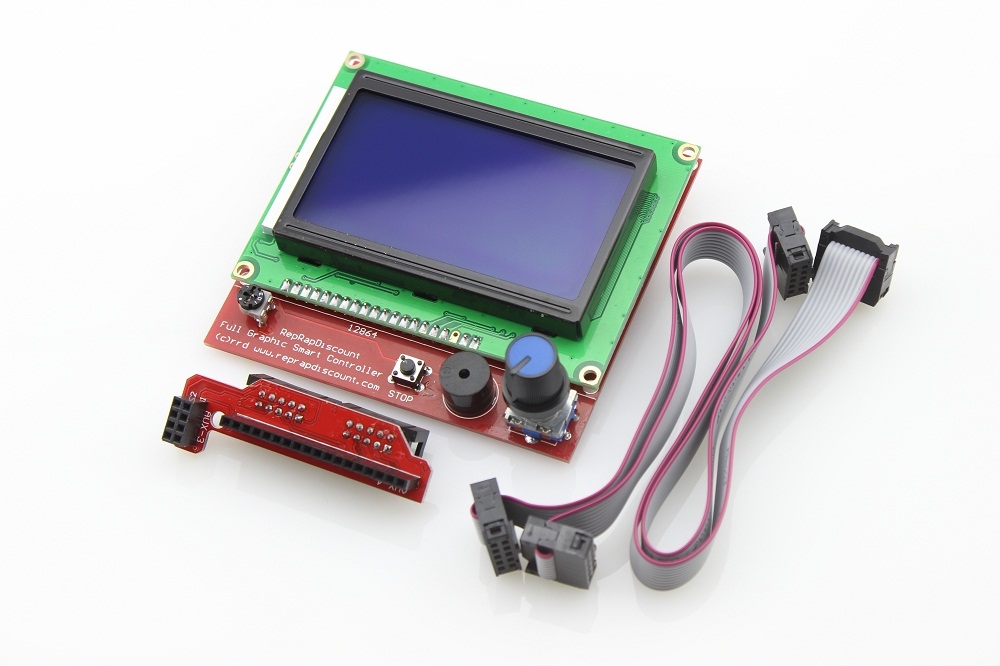
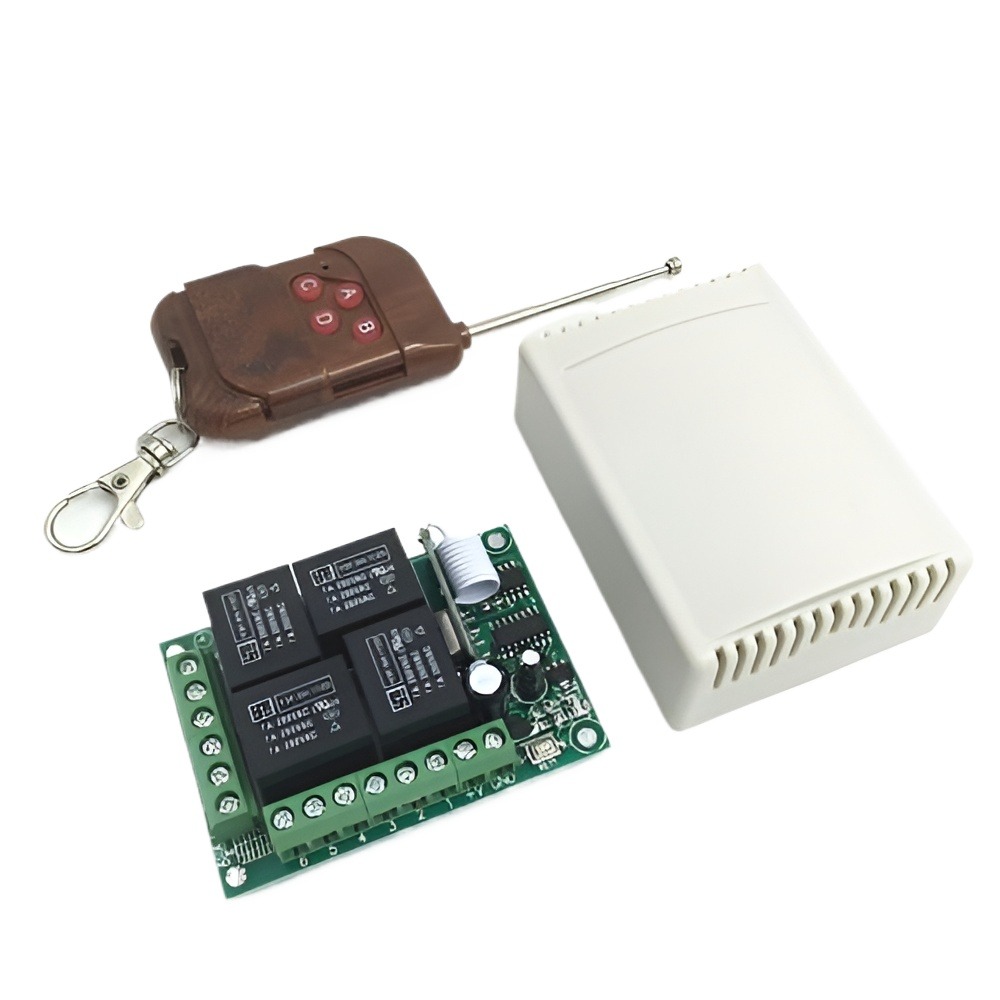
 ### Smart Display Controller Module Board with Adapter Overview
1. **Type**: Smart Display Controller Module Board
2. **Specifications**:
- **Display Compatibility**: Typically supports various display types such as LCD, TFT, OLED, or e-Paper
- **Interface**: May include interfaces such as SPI, I2C, or parallel for connecting to different types of displays
- **Microcontroller/Processor**: Integrated microcontroller or processor for handling display functions and communication
- **Resolution Support**: Depending on the module, it may support various display resolutions (e.g., 240x320, 480x320)
- **Power Supply**: Usually operates at 5V or 3.3V DC, depending on the specific module
3. **Material**:
- **Board**: Made from PCB (Printed Circuit Board) with various electronic components
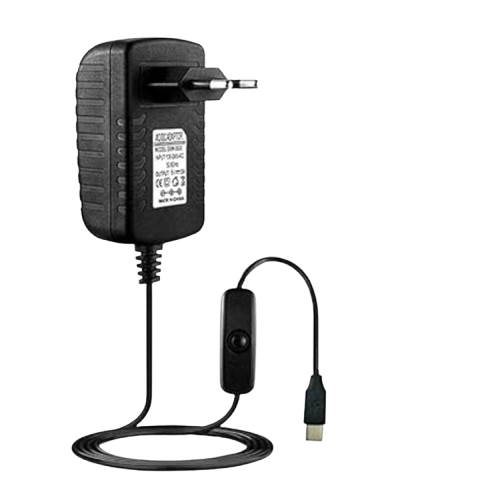
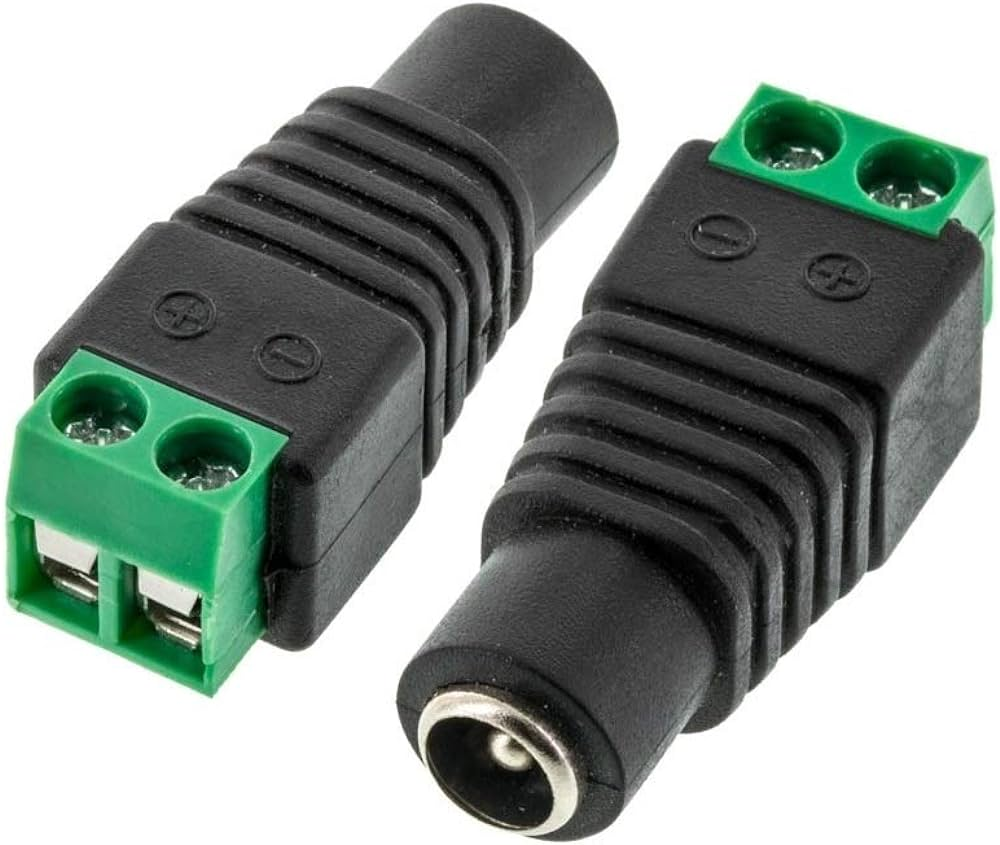
- **Adapter**: Includes an adapter for powering the module or interfacing with other devices
4. **Functionality**:
- **Display Control**: Manages the display output and interface, allowing for graphical user interfaces, text, and image display
- **Communication**: Facilitates communication between the display and the host microcontroller or computer
- **Adapter Use**: The included adapter provides power or connectivity options, simplifying integration with other systems
5. **Features**:
- **Integrated Controller**: Includes a controller chip or microcontroller to manage display functions and data
- **Multiple Interfaces**: Supports various communication protocols to connect with different types of displays
- **Power Management**: Often includes power regulation and management features for stable operation
### Typical Uses:
- **Embedded Systems**: Used in embedded systems and projects requiring a display interface
- **Prototyping**: Ideal for prototyping and development of devices with display needs
- **Consumer Electronics**: Commonly found in consumer electronics like smart devices, handheld gadgets, and appliances
- **Educational Projects**: Useful in educational settings for teaching about display technologies and interface design
### Key Benefits:
- **Versatile Display Support**: Can work with a range of display types and resolutions
- **Ease of Integration**: Simplifies the process of adding a display to projects with included adapters and connectors
- **User Interface**: Enables the creation of graphical user interfaces and visual feedback in electronic projects
### How to Use:
1. **Connect Display**: Attach the compatible display to the module board using the provided interface (e.g., SPI, I2C).
2. **Power Supply**: Connect the module to a power source using the included adapter or power connectors.
3. **Interface with Microcontroller**: Connect the module to a microcontroller or computer to send and receive display data.
4. **Programming**: Write and upload code to the microcontroller to control display functions and output.
### Example Applications:
- **Interactive Devices**: Used in touch screen interfaces, user interfaces, and interactive displays.
- **Data Visualization**: Displays real-time data, charts, and graphs in various applications.
- **Consumer Gadgets**: Integrates into smart home devices, wearables, and other consumer electronics.
- **Educational Tools**: Demonstrates concepts in electronics and programming through visual display.
### Installation Tips:
- **Check Compatibility**: Ensure the display and controller module are compatible in terms of interface and resolution.
- **Proper Wiring**: Follow wiring diagrams and instructions to connect the display and adapter correctly.
- **Calibration**: Calibrate the display if necessary to ensure accurate color and alignment.
### Advantages:
- **Flexible Integration**: Compatible with a variety of display types and microcontrollers.
- **Simplified Development**: Includes necessary components and adapters for easy integration into projects.
- **Enhanced User Experience**: Provides a means to create engaging and informative user interfaces.
The Smart Display Controller Module Board with Adapter is a valuable component for integrating displays into electronic projects. It simplifies the development process by providing a flexible and easy-to-use solution for controlling various types of displays.